Hosting that does not live on one server, but on 330
The platform running the Stamboom Archief and every other site we build. No shared hosting, no VPS you have to patch, no machine that falls over when someone turns up with a botnet. The site sits in the memory of the network in more than 330 cities at once — and the visitor always talks to the nearest one.
Two routes, one network
Sites run either entirely at the edge, or on our own hardware with an outbound tunnel to it. Both variants reach the visitor through exactly the same protected front.
One machine, or the entire network
The same question — "where does my site run?" — with two very different answers. On the left the classic route, on the right what we run.
On one server
- The site lives on one machine, in one place in the world
- Visitors far away wait hundreds of milliseconds for the first response
- One disk, one kernel panic or one power cut means 100% downtime
- A botnet of 16,000 requests pushes the CPU to 100%
- Certificates renewed by a cron job that can fail silently
- Port 443 stands open to your own network
At the edge
- The site lives in more than 330 data centres at once
- The internet routes every visitor to the nearest location
- There is no single point where the whole thing breaks
- Attacks are absorbed on the network, far ahead of the origin
- Certificates are issued and renewed automatically
- Not a single inbound port open — the tunnel connects outward
This is the platform, from the inside
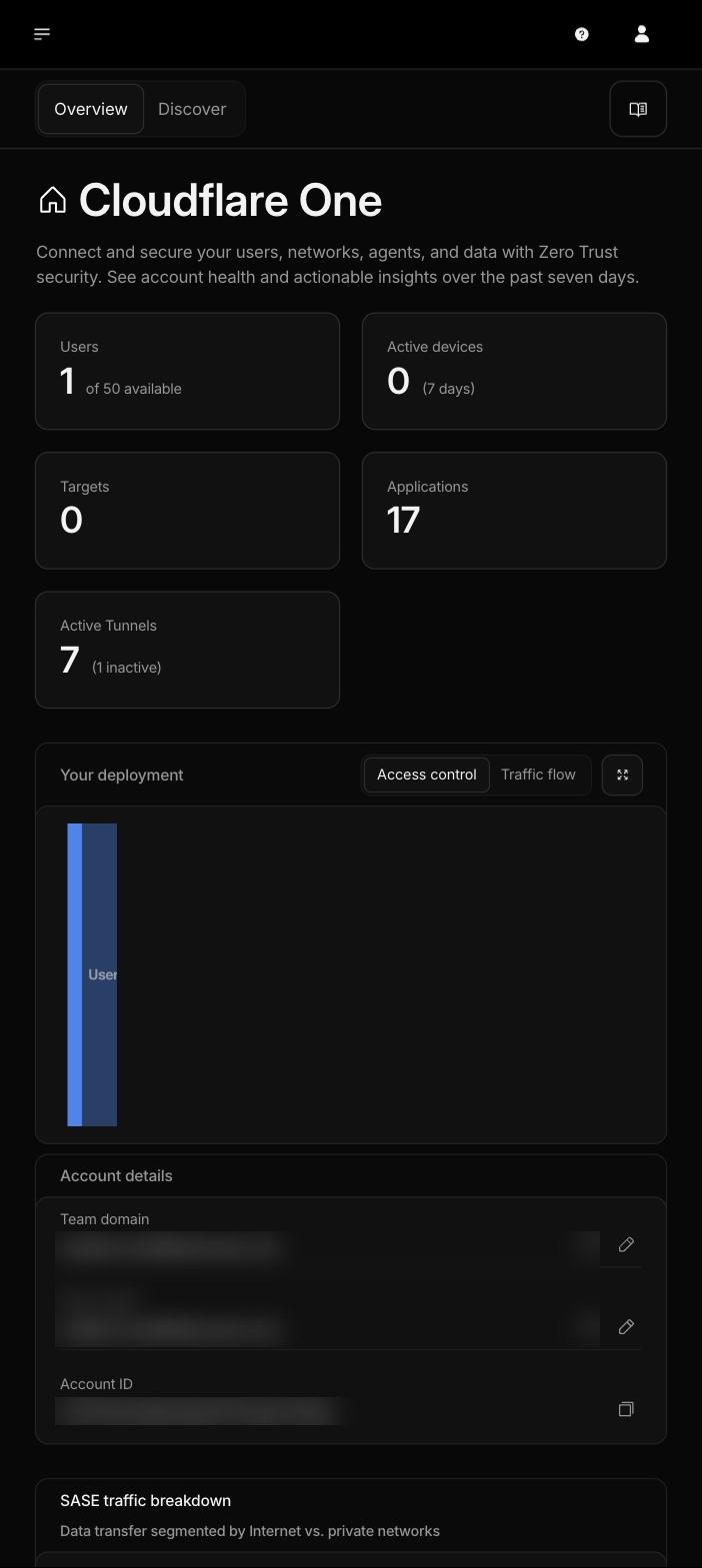
Ten captures from the running account. Account identifiers, application names and security settings have been obscured; nothing else has been altered.
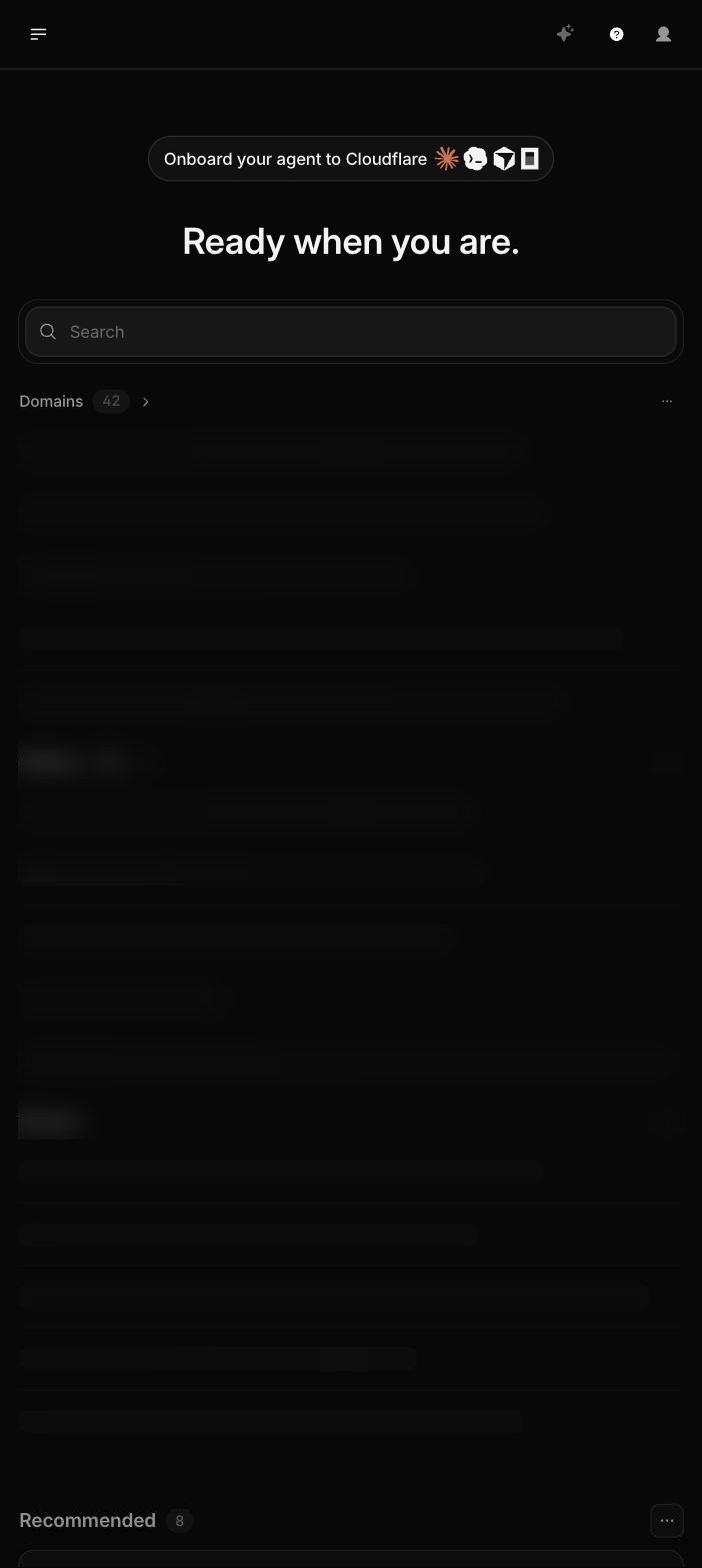
01 One account, forty-two domains
Every domain we host sits in the same control plane, each with its own DNS, certificate, firewall and caching policy. Underneath run 34 applications — the sites and APIs themselves. Analytics count across all of them at once, so there is a single place to see how an entire portfolio is doing instead of twelve separate control panels.
- 42 domains · each with its own policy
- 34 applications at the edge
- The platform flags overly permissive access rules by itself
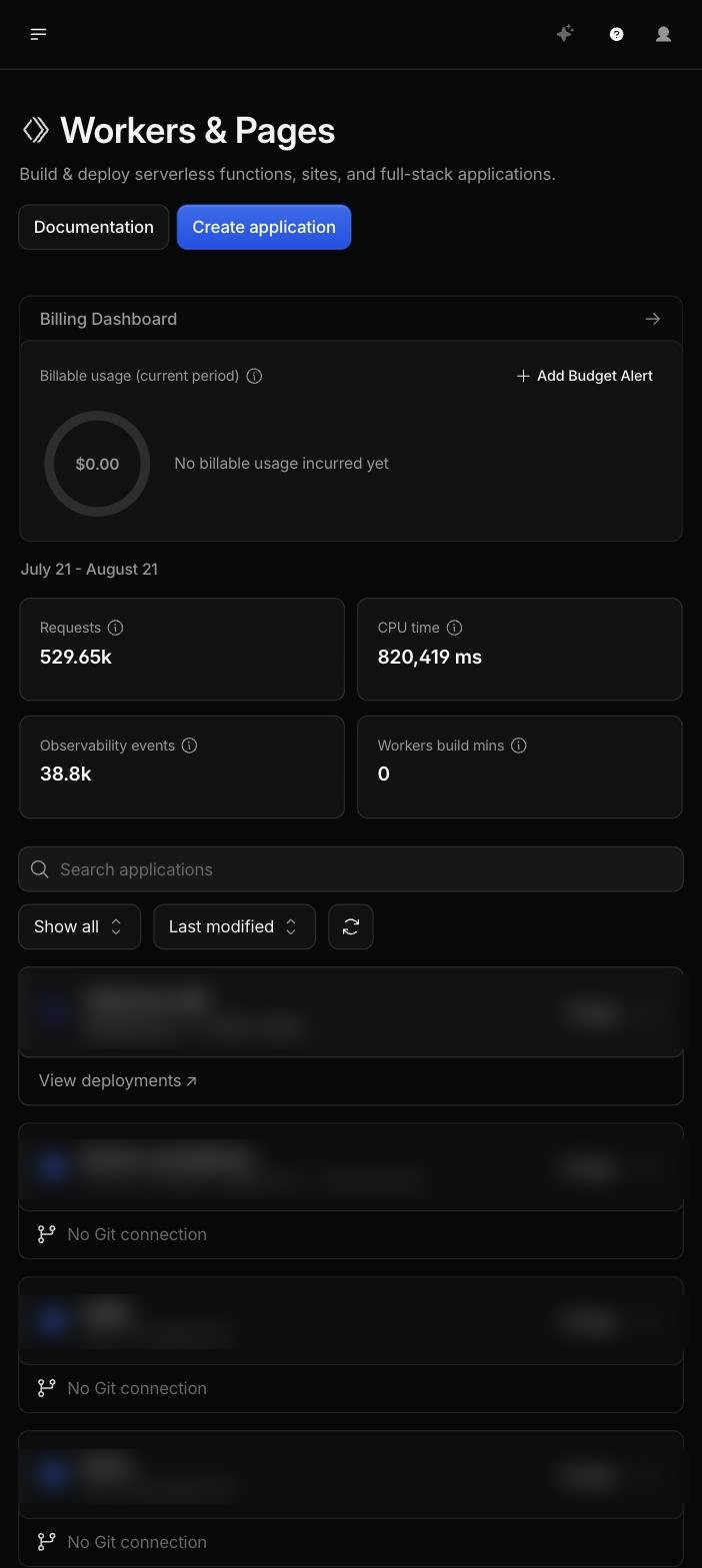
02 Compute at the edge, no server
The code does not run on a machine you share with two hundred others, but in an isolate that starts in milliseconds in the data centre next to the visitor. No cold start, no container that has to boot first. Over the measured period: 529,650 requests and 820,419 ms of compute handled, at zero platform cost.
- Deploy · one push, live worldwide in seconds
- Rollback · every earlier version stays available
- No OS, no patches, no maintenance window
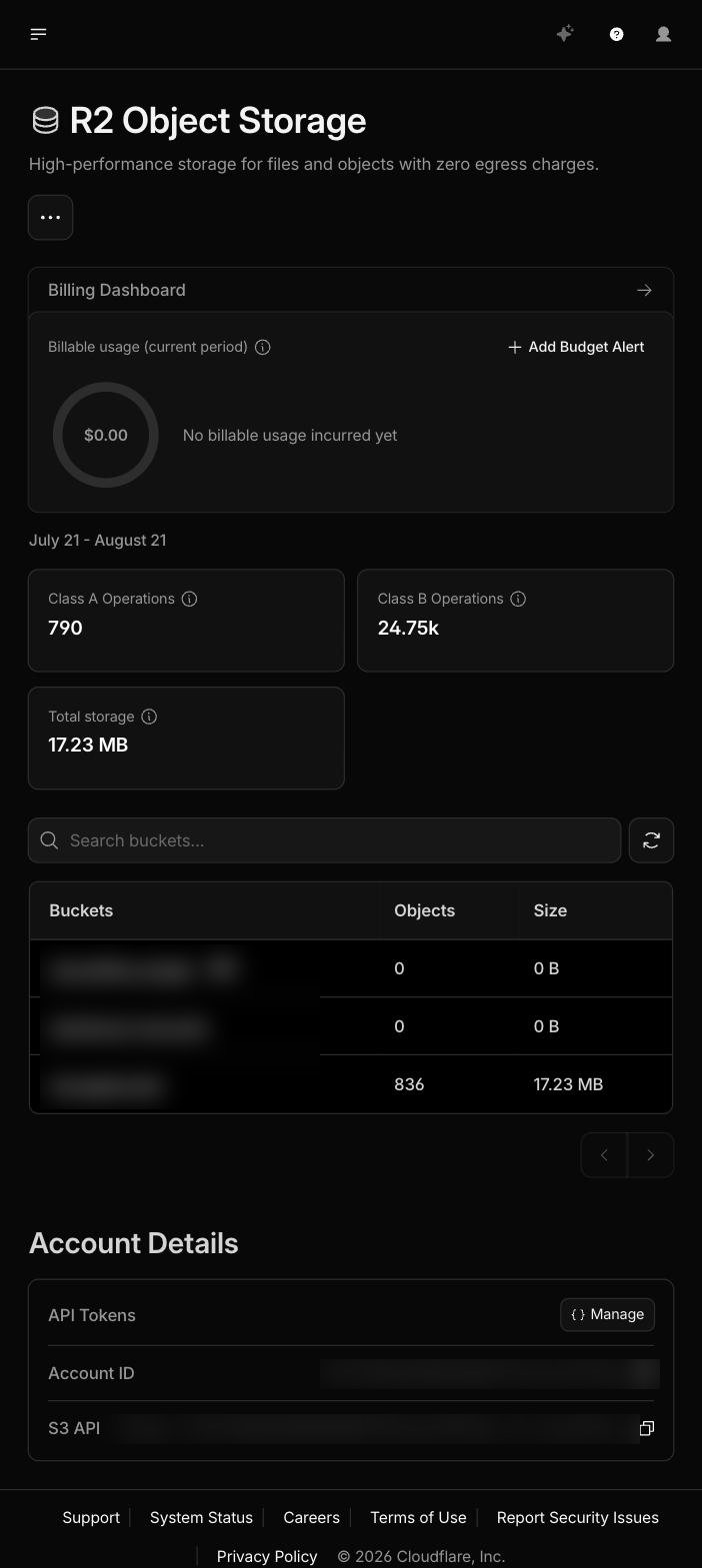
03 Storage without egress fees
Object storage with an S3-compatible API, but without the bill a classic cloud sends the moment someone actually downloads your files. For an archive of scans, photos and dumps that is the difference between a predictable and an unpredictable monthly invoice. EU jurisdiction can be enforced per bucket — which matters as soon as personal data is involved.
- No charges for outbound traffic
- EU jurisdiction configurable per bucket
- Existing backup scripts work unchanged
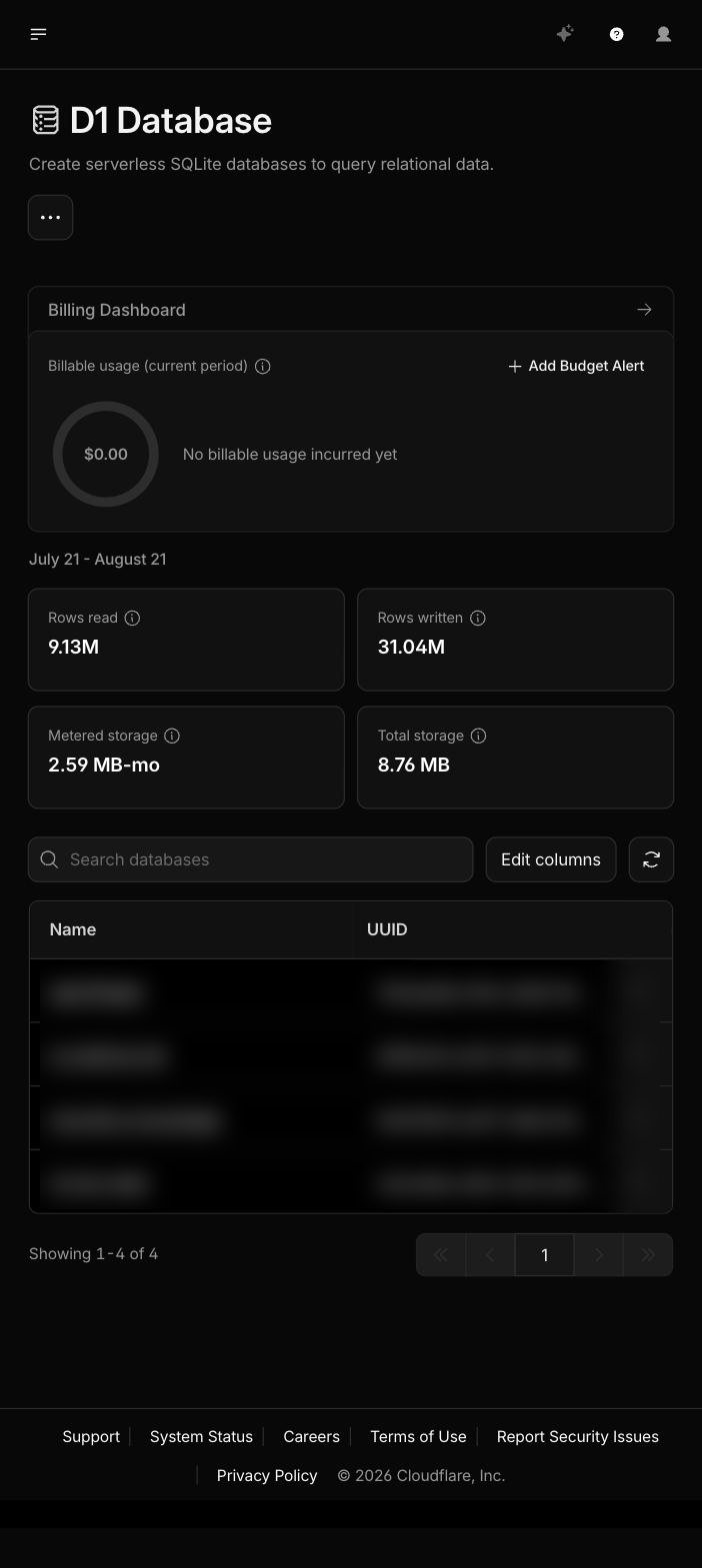
04 A database that travels along
A real relational database living next to the code at the edge. No separate database server to secure, back up and update; no connection pool that seizes up under peak load. The measured profile — millions of rows processed, compactly stored — is exactly what an indexing pipeline does.
- Rewind to any point in the last 30 days
- No backup script of your own required
- Four databases side by side, one control plane
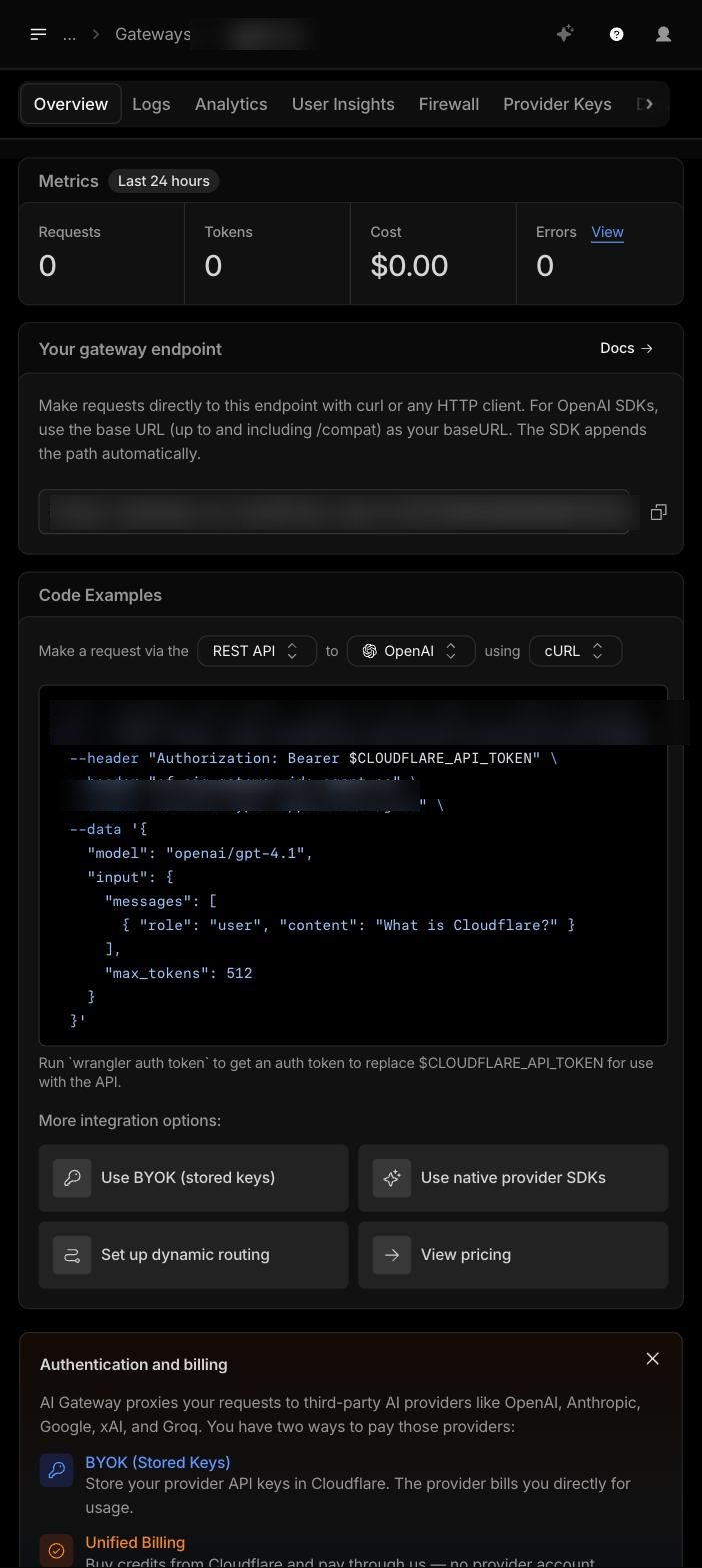
05 The AI layer is part of the platform
This is the piece ordinary hosting simply does not have. The gateway sits between the application and every language model you use, and does four things you would otherwise have to build yourself: cache identical questions, rate-limit traffic, log every prompt and response, and track cost to the euro. Which model sits behind it is decided in the dashboard, not in your code.
- Falls back to another model automatically on an outage
- Your own provider keys, never in the frontend
- Vector search alongside your own data, for semantic retrieval
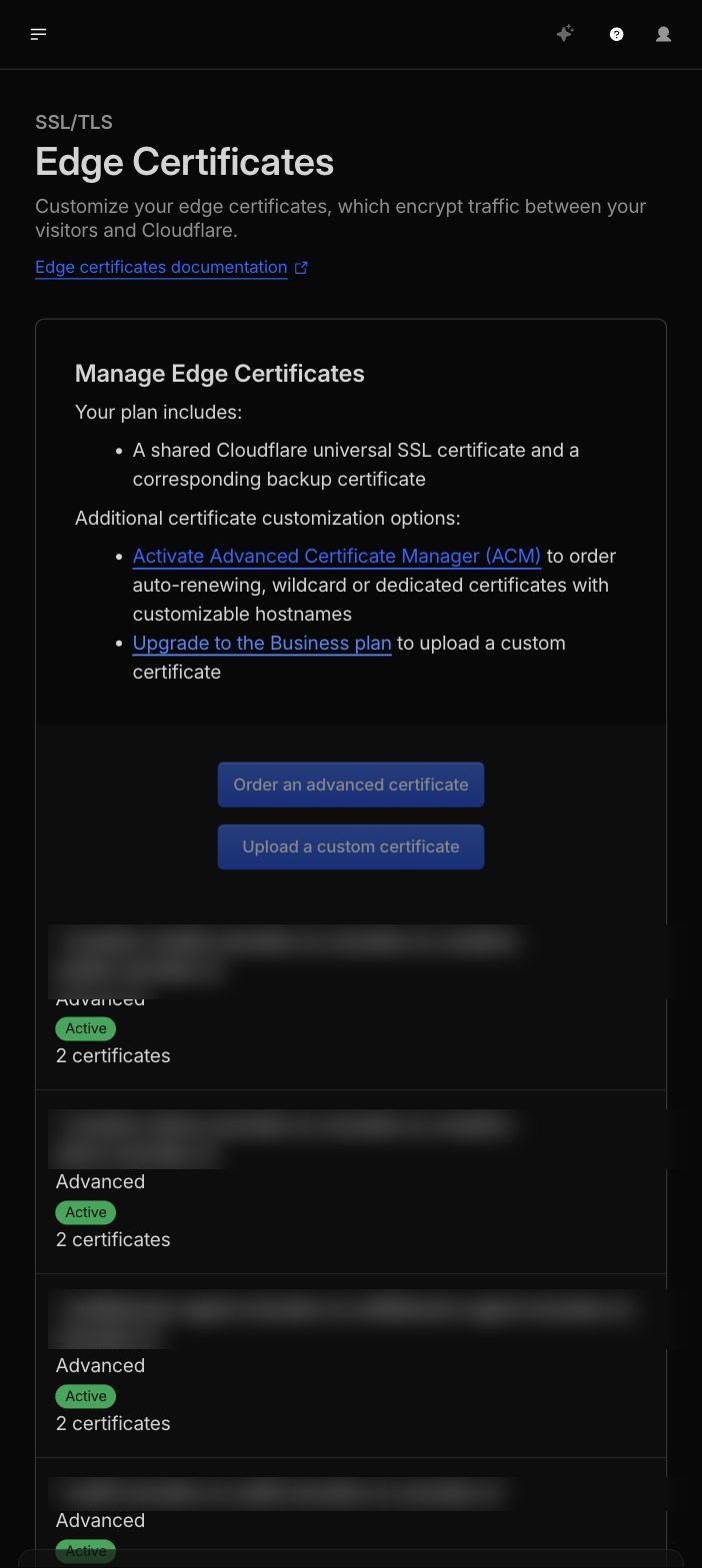
06 Certificates that manage themselves
The screen most hosting providers never let you near. Every line is a certificate that was issued automatically, is renewed automatically and is rolled out automatically to every location. With wildcards, so each new subdomain is secured immediately without a request — and with a backup certificate from a second authority that is active by default.
- No renewal cron that fails quietly on a Sunday
- A new subdomain is secured straight away
- Backup certificate from a second authority
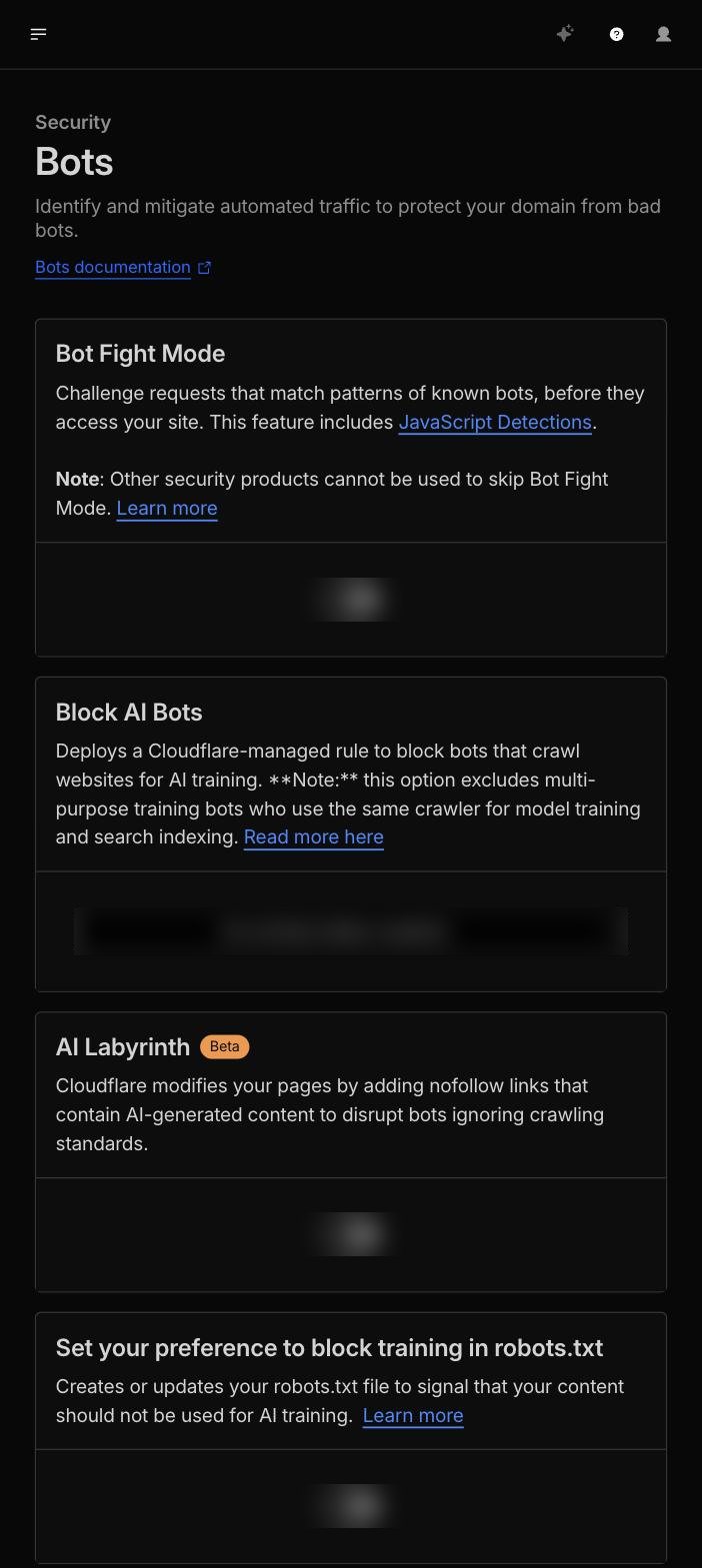
07 The checkbox everyone knows
One switch puts a computational puzzle in front of your site for anything matching the pattern of a known bot — without a CAPTCHA for your visitors. Below it sits what has become more important than the firewall itself since 2026: a dropdown deciding whether AI crawlers may collect your content for model training, and a maze mode that feeds crawlers ignoring robots.txt fabricated content instead of blocking them. That costs their compute, not yours.
- Bot protection without a CAPTCHA for humans
- Allow or refuse AI crawlers, per domain
- Maze mode for crawlers that ignore robots.txt
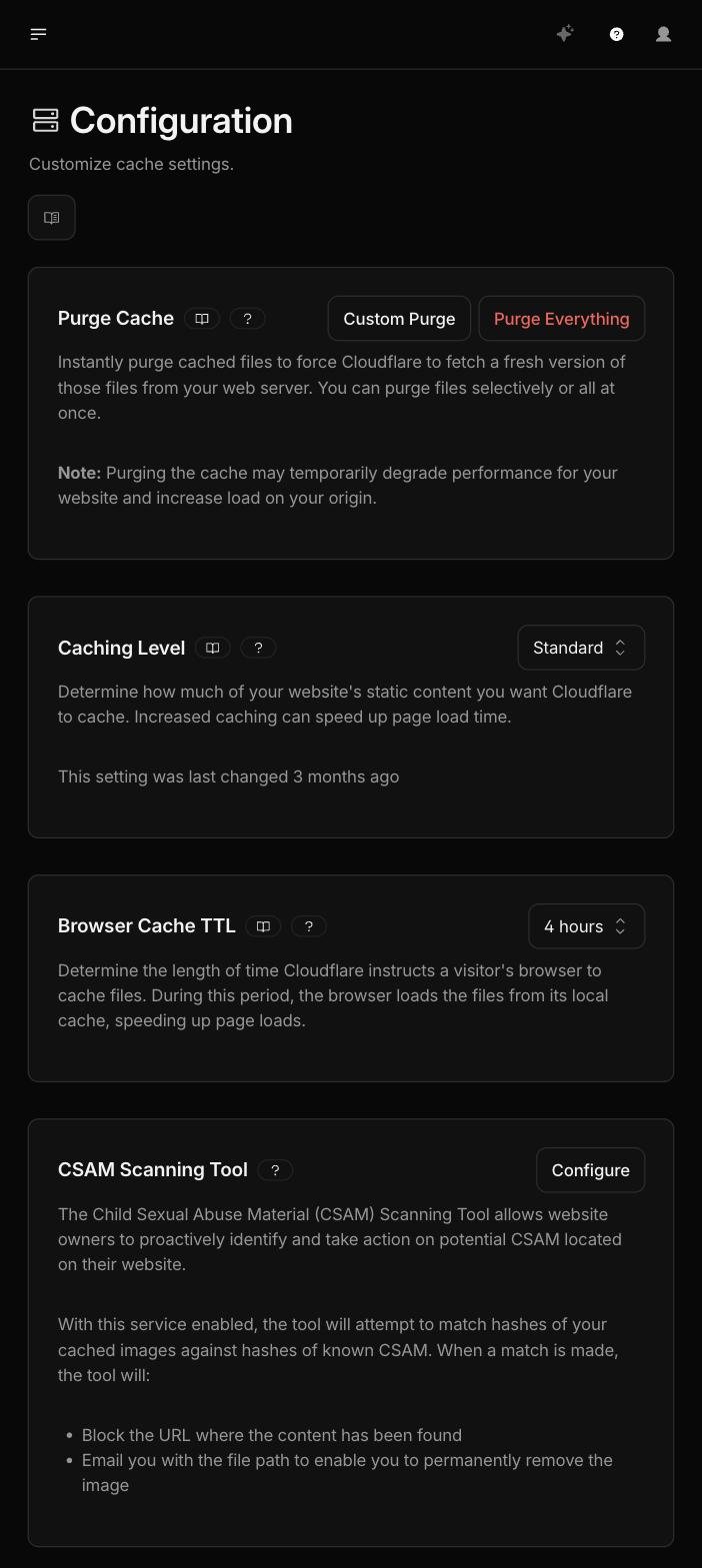
08 Cache: where the speed comes from
Caching decides whether a visitor gets an answer from the memory of the data centre round the corner, or whether the request has to travel all the way to the origin. The difference is roughly a factor of twenty in time. We set cache rules per path: static files thirty days, HTML always fresh — precisely the problem we solved earlier in this network when browsers kept serving a stale version for days.
- Cache static files for a long time, HTML never
- Data centres fetch from each other instead of from the origin
- Automatic purge after every deploy
09 Seven tunnels, zero open ports
For anything that does have to run on our own hardware we use tunnels. The machine itself opens an outbound, encrypted connection to the network. Nothing is exposed, no port is forwarded, and the IP address appears nowhere in DNS. Behind the seventeen protected applications sits access policy: an internal tool can only be opened by a specific account, with two-factor authentication, without anyone having to install a VPN.
- Scanners find literally nothing to attack
- Access per application, not one password for everything
- Every session is recorded in an audit log
10 The case: Stamboom Archief
A searchable archive of 3.6 million Dutch civil records. Exactly the kind of site classic hosting breaks on: a lot of data, heavy searches, unpredictable peaks and visitors from everywhere — genealogy is international by definition. Here the page comes from the cache of the nearest data centre, the search index sits in the edge database, the scans sit in object storage and the semantic layer runs through the AI gateway.
- 52 ms to the first byte
- HTTP/2 and HTTP/3 both live
- HSTS for a year, including all subdomains

The green padlock, unfolded
Everyone says "SSL included". Almost nobody shows you what is actually there. Below is the real measurement against one of our own sites.
$ openssl s_client -connect <site>:443 | openssl x509 \
    -noout -subject -issuer -dates

subject   = CN = <site>
issuer    = C = US, O = Google Trust Services, CN = WE1
notBefore = Jul 31 19:00:57 2026 GMT
notAfter  = Oct 29 20:00:55 2026 GMT

Protocol       : TLSv1.3
Cipher         : TLS_AES_256_GCM_SHA384
Peer signature : ecdsa_secp256r1_sha256- Issuer
- Google Trust Services — trusted by every browser and operating system, without exception.
- Algorithm
- ECDSA on curve P-256 — shorter, faster and safer than the RSA-2048 you get with standard hosting.
- Protocol
- TLS 1.3 — one round trip fewer when setting up the connection than TLS 1.2.
- Validity
- 90 days, renewed automatically well before expiry. No cron job that can fail quietly.
- Backup
- A second certificate from a different authority stands ready and active.
And the headers around it
A certificate alone is not enough. This is what every page actually sends along —
without an .htaccess anywhere in sight.
No sample figures — one domain, thirty days
Read the origin carefully
The largest "audience" of this Dutch-language site sits in the United States: 49,750 requests against 32,332 from the Netherlands. Those are not readers — they are data centres and crawlers. Without measurement at edge level you never see that difference and you read it as international interest.
Exactly this distinction decides whether you should admit or exclude AI crawlers. For a site that wants to be found they are welcome; for unique archive material you are giving your content away for free. It is one setting per domain — but you have to know what is coming in first.
Why distance no longer matters
Speed is not a matter of a fatter server, but of travelling less far. Measured with Lighthouse from the region where the audience sits.
Desktop — score 99
- First Contentful Paint0.25 s
- Largest Contentful Paint0.71 s
- Time to First Byte52 ms
- Cumulative Layout Shift0
- Total Blocking Time0 ms
Mobile — score 94
- First Contentful Paint0.87 s
- Largest Contentful Paint2.73 s
- Time to First Byte49 ms
- Cumulative Layout Shift0
- Total Blocking Time161 ms
Read honestly
The infrastructure is not the problem: 52 ms to the first byte is very nearly the best achievable. The mobile LCP of 2.73 s sits just above Google's 2.5 s threshold and is rendering work inside the page, not network. That is a matter of the site, not the hosting — and because it is measured, it is solvable.
Which is exactly why this matters for discoverability. Core Web Vitals are measured on real visitors, not in a test environment. A site that makes someone in Sydney wait 300 ms before anything happens will never meet those thresholds there — however good the code is.
Your site does not belong on a single server
330+ locations, a certificate that manages itself, a firewall that stopped 15,566 attacks and an AI layer that is already built in. We migrate your existing site without it going offline for a moment.